Invitation
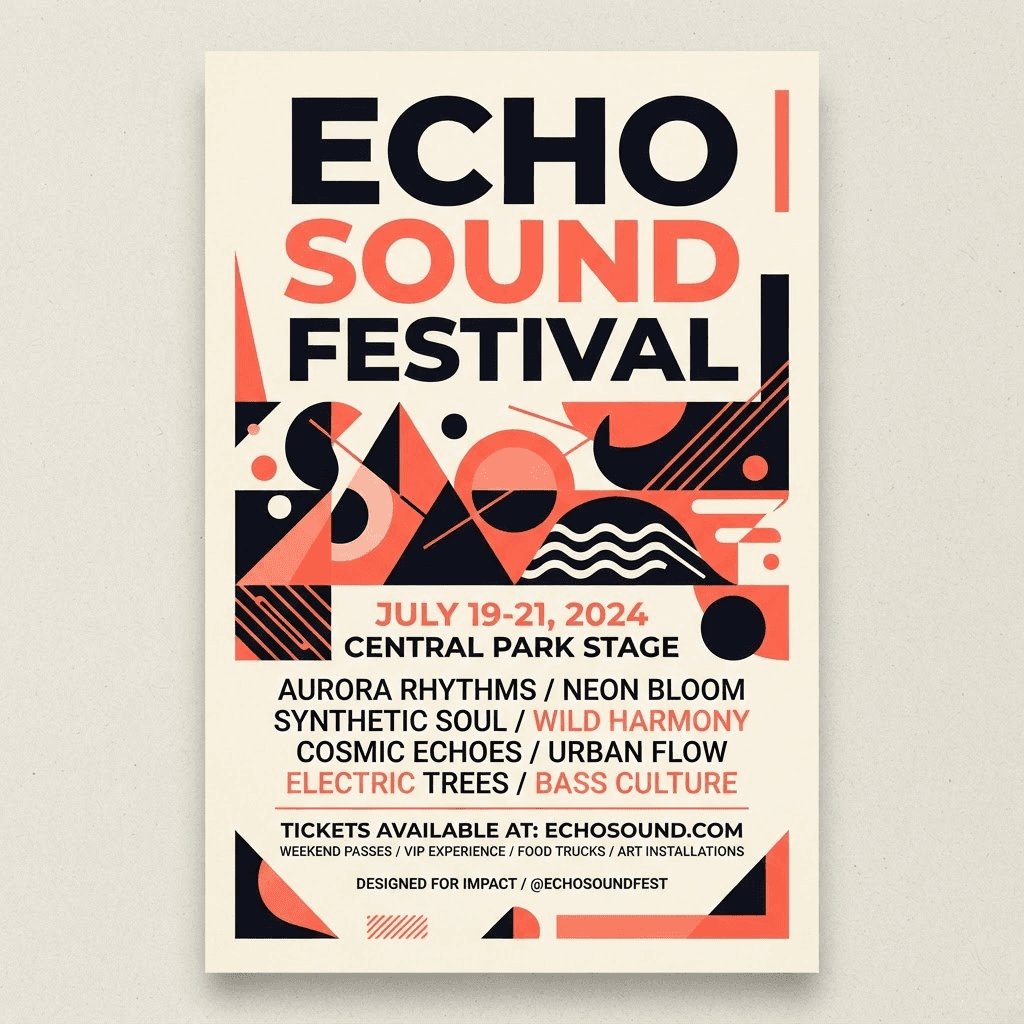
Event invites with print-friendly portrait or landscape layout.
portrait
Every design you make in Papirro Create opens in Studio — fully editable. Nudge the copy, swap images, fine-tune the layout, then resize across formats and export a print-ready file.
Free to use · No credit card · Print-ready exports
Layers
Fill
Open any invitation, flyer, card or planner you generated in Papirro Create. It arrives at the right physical size and stays fully editable — no flattening, no guesswork.
Event invites with print-friendly portrait or landscape layout.
Professional flyers for promotions and announcements.
Greeting cards for special occasions and events.
Standard card layout with fixed printable dimensions.
Tri-fold or bi-fold leaflets for information distribution.
Multi-page booklets for catalogs and brochures.
Postcard layout for marketing and greetings.
Structured daily or weekly planners optimized for A-series paper.
Fine-tune a generated design and export a PNG preview to check before printing or sharing.
Snap to grids, align with smart guides and adjust any element with vector tools. Pixel-accurate control over the design Create generated for you.
Coral
Teal
Amber
Change wording, fonts, sizes and spacing directly on the canvas.
Replace artwork or let AI remove backgrounds and extend images.
Choose from the size variants available for your creative type. Sizes and orientations vary by type.
Download the current page as a PNG, with optional bleed. Check the file against your printer's requirements before printing.
Saved drafts can autosave as you edit. Check the save status and retry failed saves before leaving.
Pick any creative you generated in Papirro Create and open it in the Studio editor.
Edit text, swap images and adjust colour and layout with vector tools, smart guides and AI assists.
Preview across formats, resize in one click and download a high-resolution, print-ready file.
Open a creative from Papirro Create and make it yours. Studio is free to use — no credit card required.